Necessary
Required for secure sessions, sign-in, CSRF protection, language selection and saving your cookie choice.
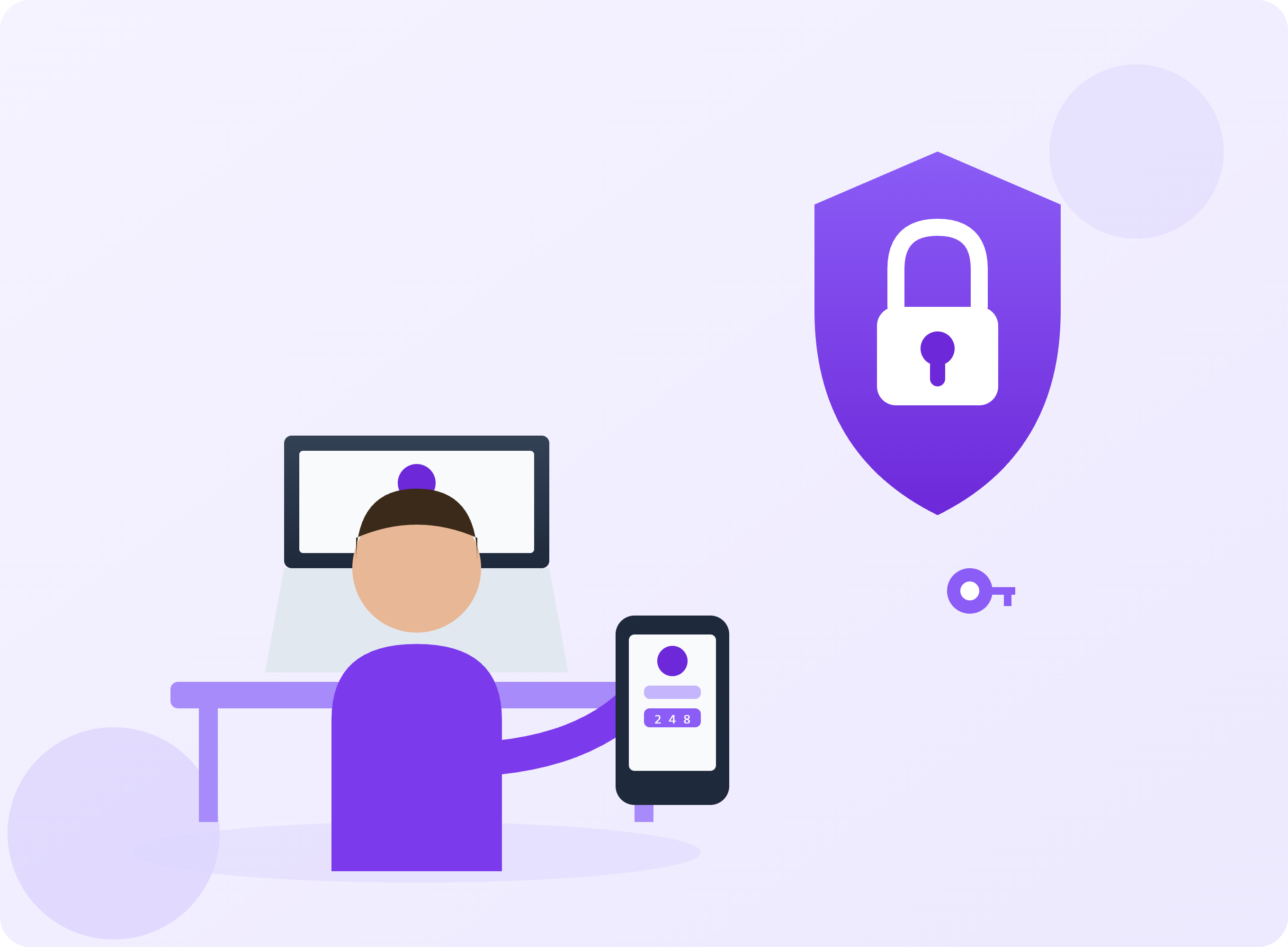
Consider passwords, recovery and device access together without making account security unnecessarily complicated.
An appointment account may contain personal details and messages. Choosing an easy-to-remember password alone is therefore not a complete security approach. Think about the whole process, from signing in to recovering access, rather than one setting.
Reusing passwords can allow a breach at one service to put other accounts at risk. A trustworthy password manager is one way to store strong, different passwords. Avoid putting them in group chats or open note files. Consider carefully whether automatic sign-in is appropriate on a shared device.
Turn on multifactor authentication where the service supports it. Learn which methods are offered and how recovery works. Keep recovery codes somewhere protected. If you did not request a code, or someone calls asking for it, stop and check your account through its official access route.
Is the registered email current? Are old devices still connected? Can you access recovery information? Understand which changes will sign you out before making them. A recovery plan helps prevent a security improvement from accidentally locking you out.
No method offers absolute security. Updates, device locks and caution around unusual messages still matter. Do not send a supposed support agent your password or one-time code. Separate legitimate assistance from unexpected requests for credentials.
CISA — Use Strong Passwords
https://www.cisa.gov/secure-our-world/use-strong-passwords
CISA — Turn On MFA
Your 8hope guide · AI-assisted
Enabling AI sends your message and a few previous chat messages to Groq. Hoppy does not store chat text in the database. Do not share identity, payment or detailed health information. Topic selection and saved answers work without AI.
Hoppy is an AI guide, not a therapist or emergency service.